
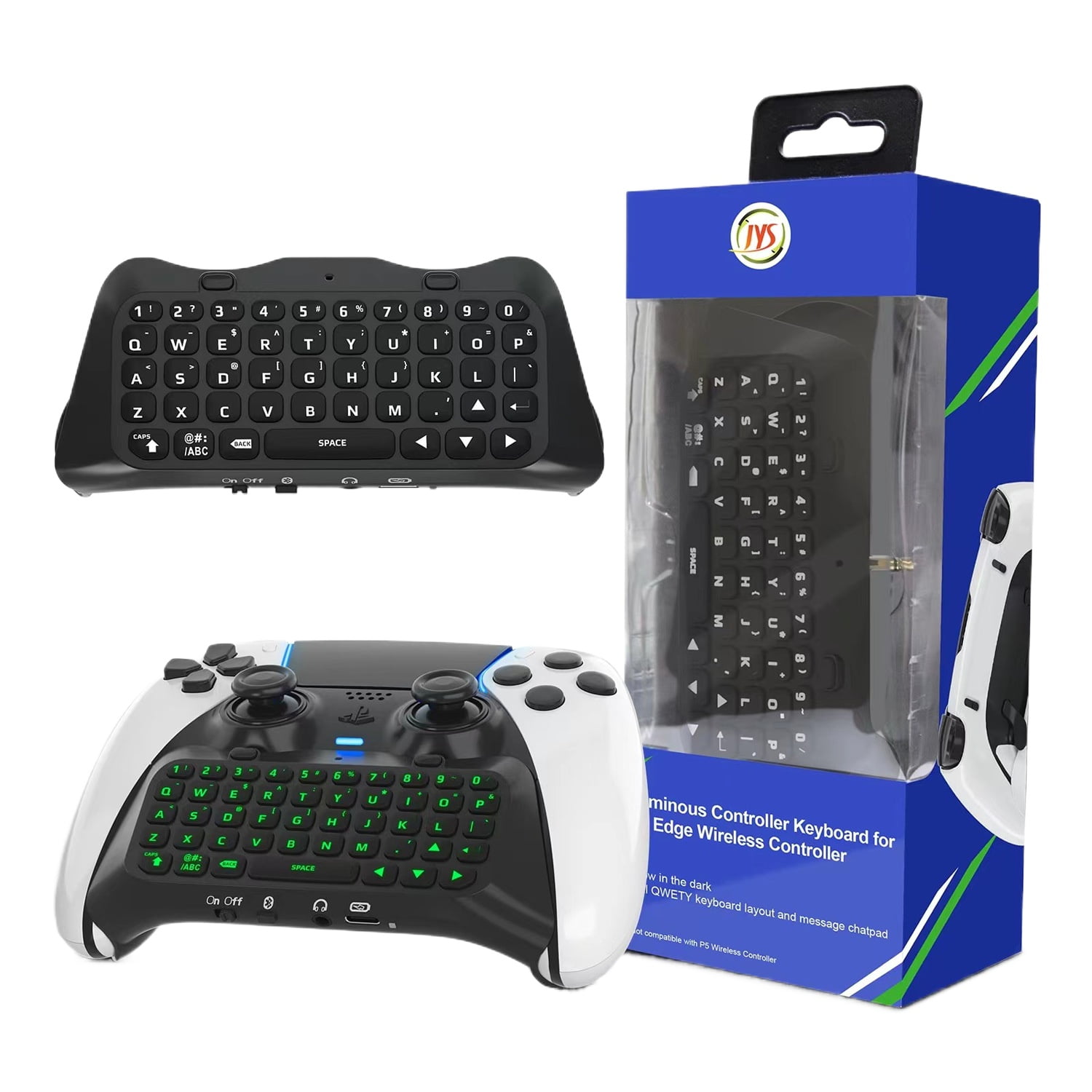
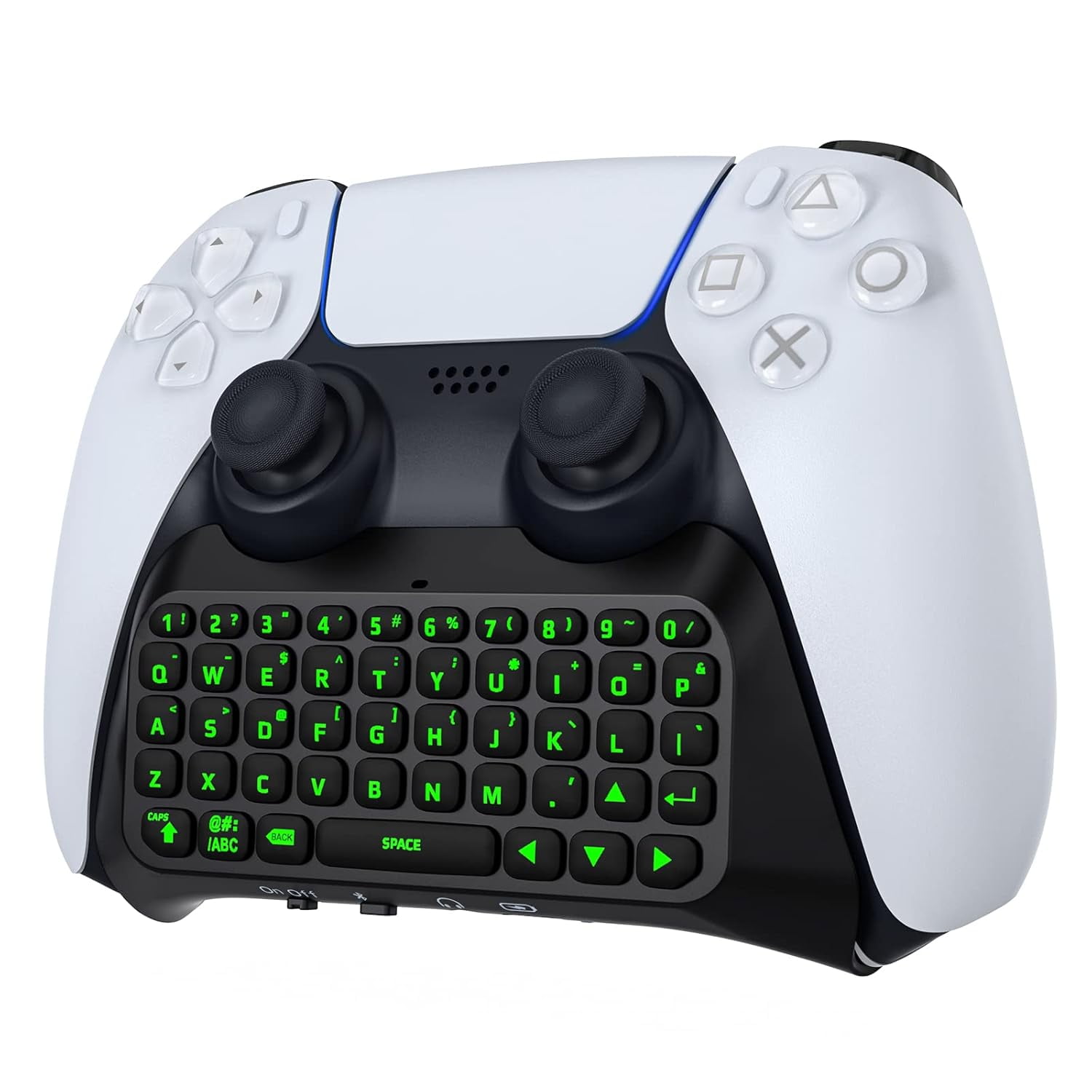
Bluetooth 3.0 Wireless Keyboard With Green Backlight for PS5 Controller,Mini Portable Gamepad Chatpad with Built-in Speaker&3.5MM Audio Jack, Voice Chat Board for Messaging&Gaming Live Chat,Black
Product details
| Management number | 230341355 | Release Date | 2026/06/18 | List Price | $10.80 | Model Number | 230341355 | ||
|---|---|---|---|---|---|---|---|---|---|
| Category | |||||||||
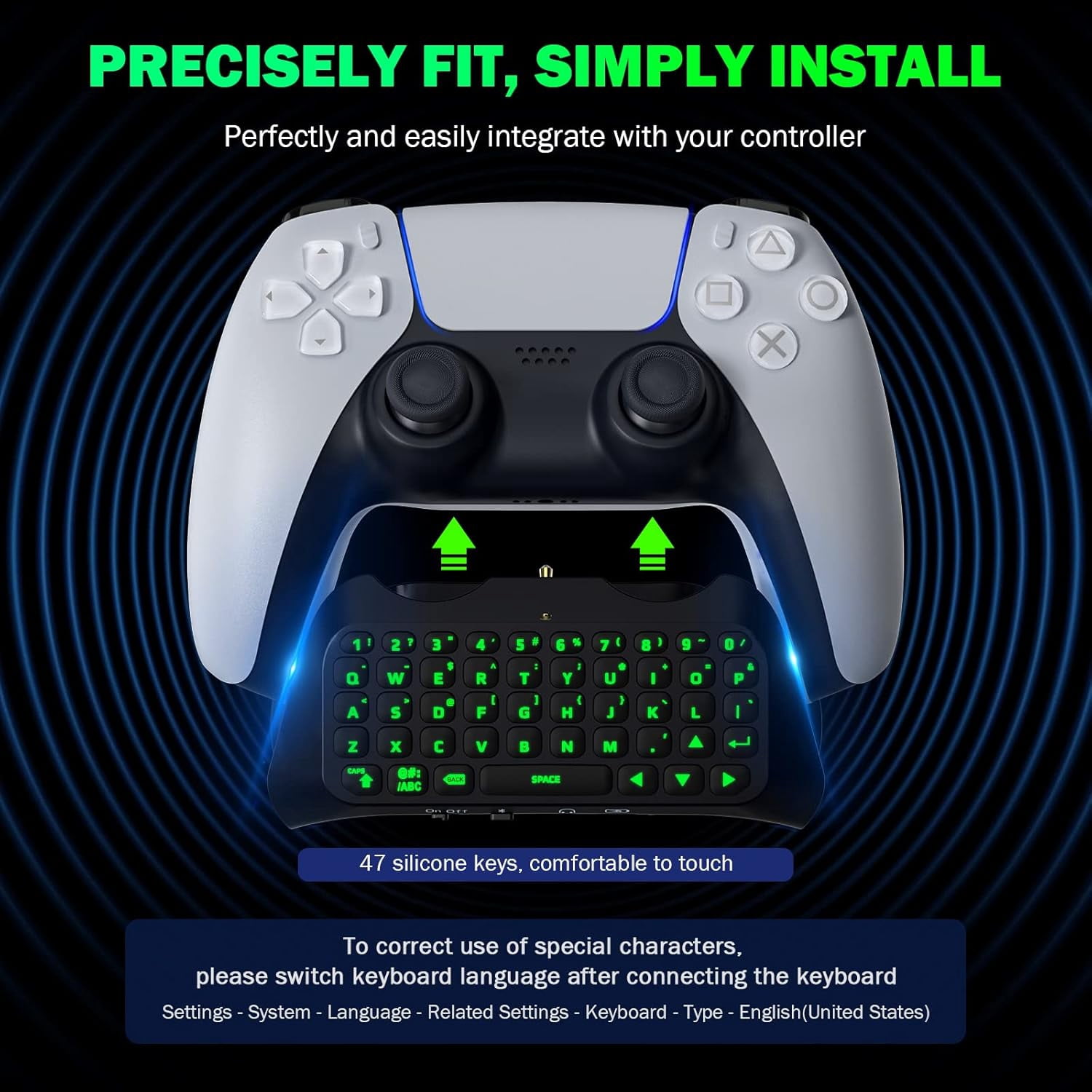
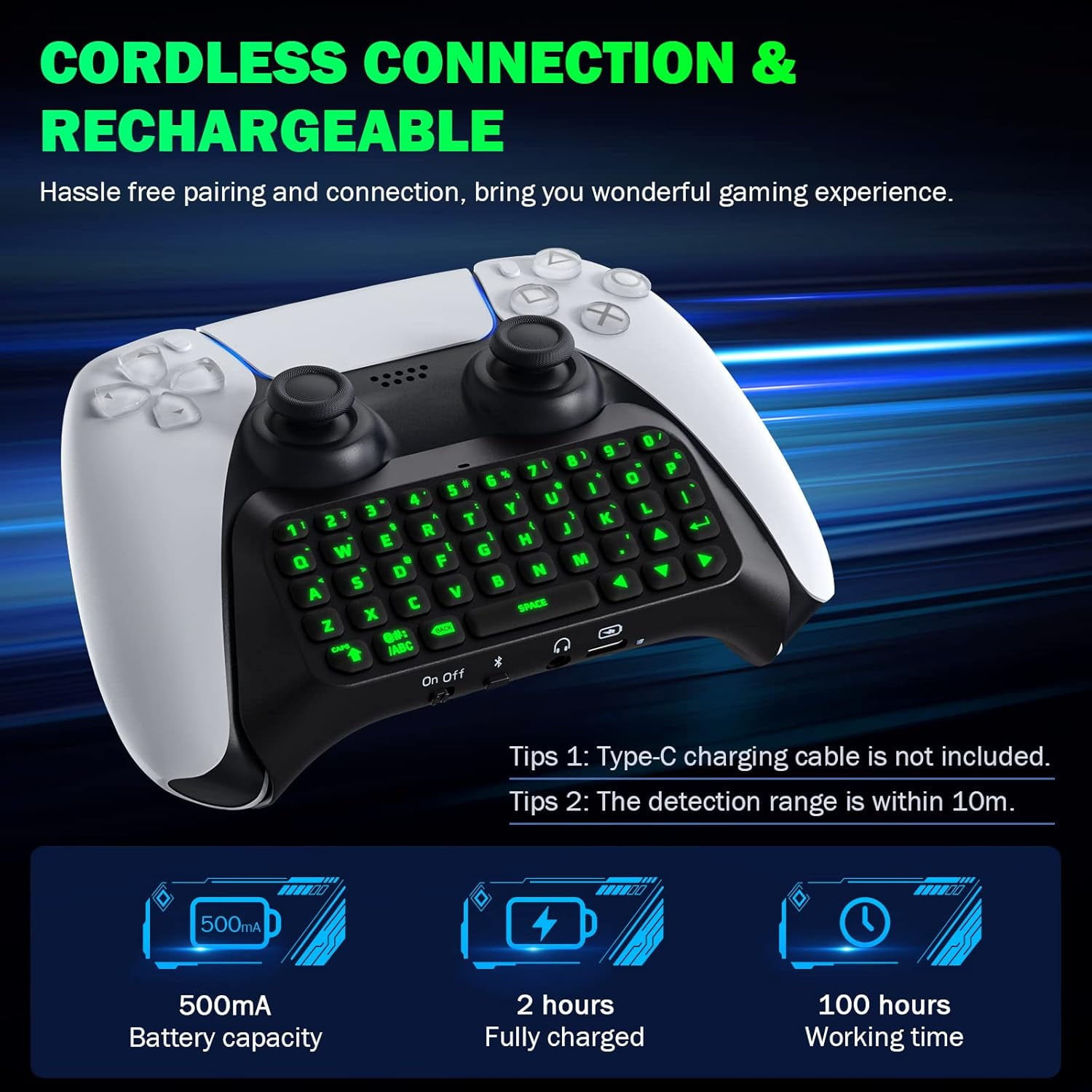
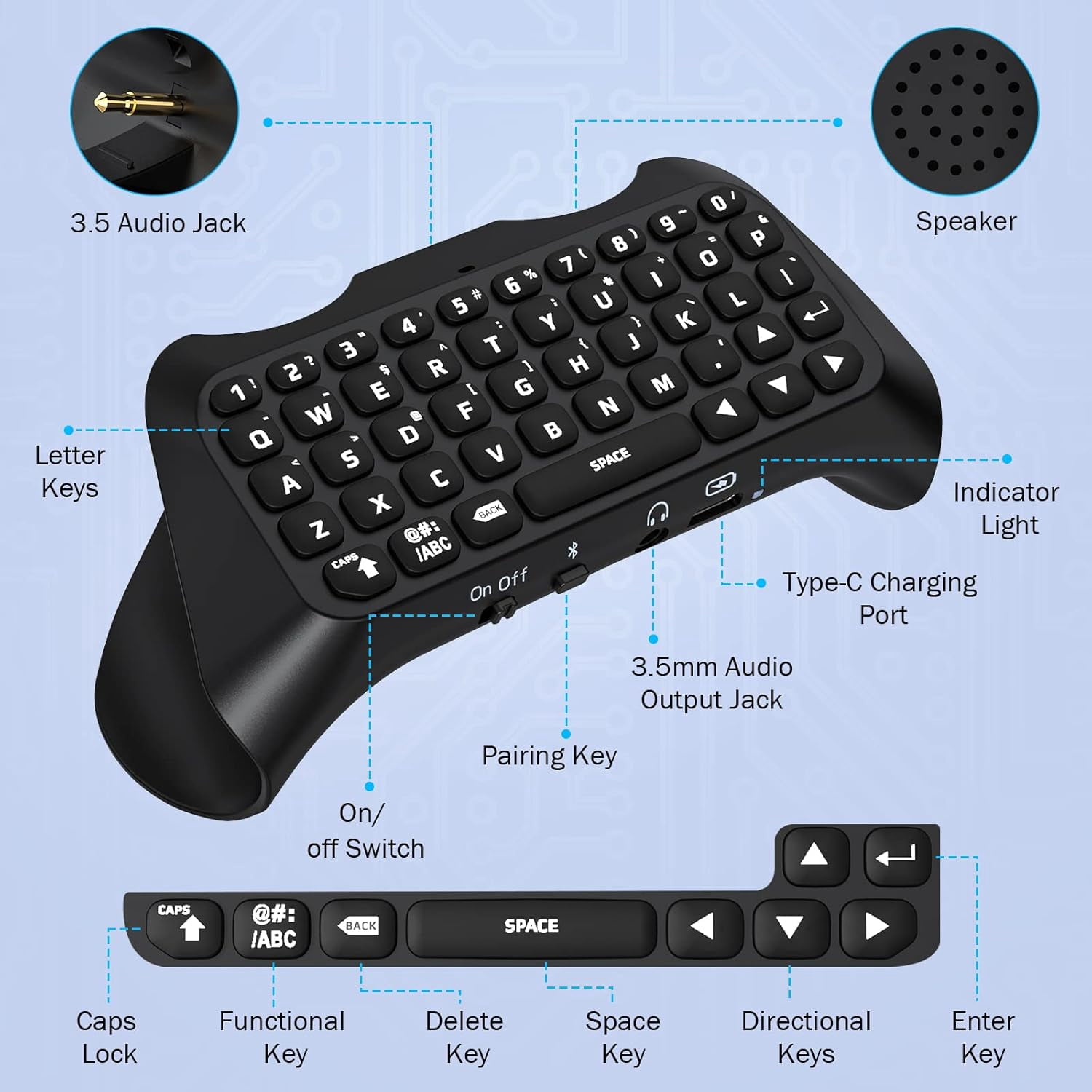
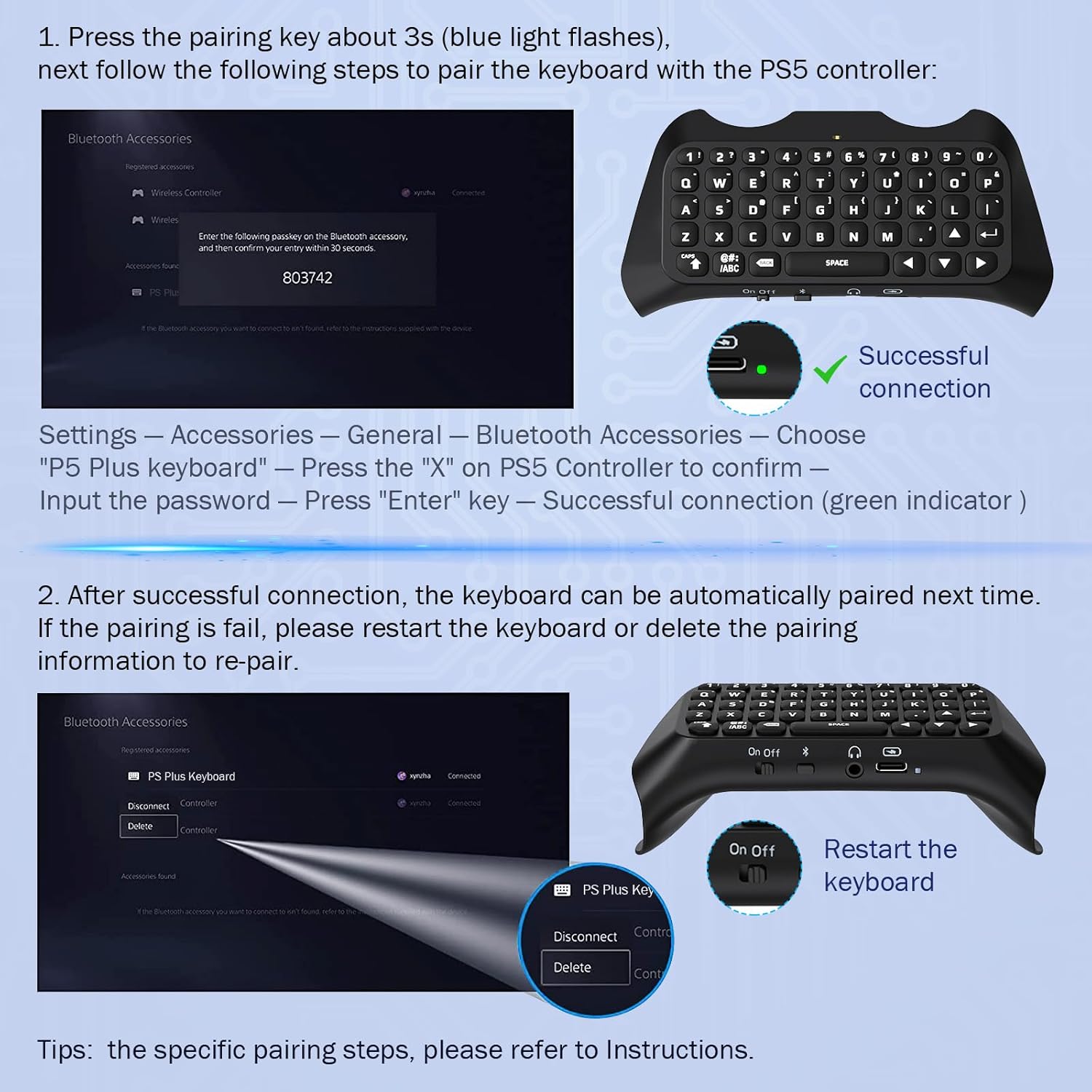
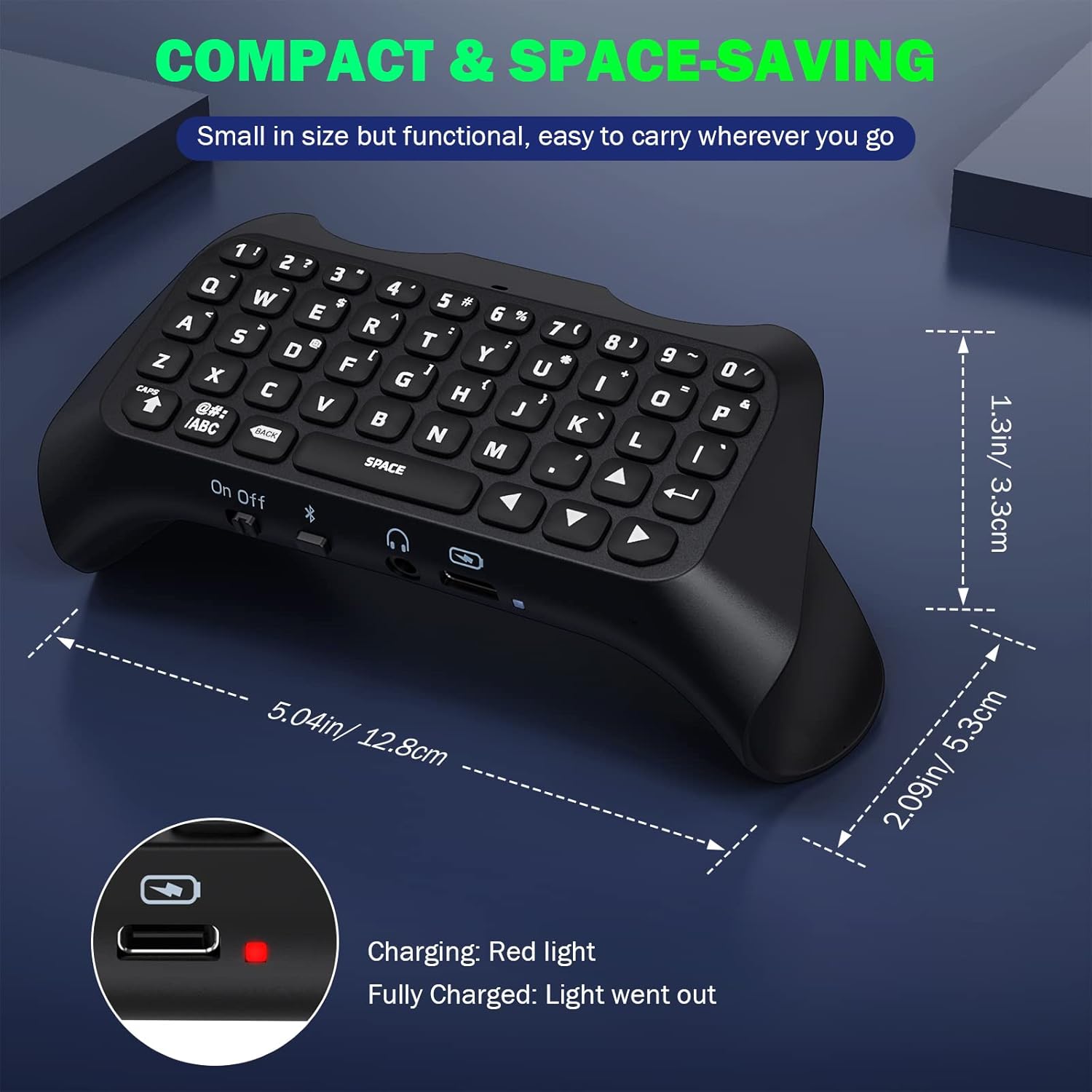
<p><strong>Specification:</strong><br>Color: White, Black (optional)<br>Battery capacity: 500mAh<br>Bluetooth-Compatible: 3.0<br>Working voltage: Lithium battery 3.7V<br>Working current: 5mA, static 1.6mA, maximum charging current 500mA, 5V<br>Product size: 132 * 56.6 * 49.8mm/5.2 * 2.23 * 1.96in<br><br>Connection steps:<br>1. Connect the keyboard to the for PS5 Elite controller through the 3.5mm interface of the controller.<br>2. Connect the for PS5 Elite controller to the for PS5 host.<br>3. Start the keyboard through the on/off button - the blue LED indicator light will light up.<br>4. On the for PS5 host, enter (Settings) - (Peripheral Devices) - (Bluetooth-Compatible Accessories).<br>5. Press and hold the pairing key on the keyboard for 3 seconds to start pairing the keyboard to the host. The indicator light on the keyboard will quickly flash, and the blue light/keyboard backlight will quickly flash green until the pairing is completed.<br>6. Find the Bluetooth-Compatible device name of () in (Discovered Accessories) and use the joystick control keys to select and confirm the Bluetooth-Compatible name for pairing.<br>7. Slowly enter the password prompted by the host on the keyboard, and then press the Enter key key on the keyboard to confirm (please be careful not to enter the password and confirm too quickly). After successful pairing, the keyboard name can be found in the registered accessories.<br>8. If the host cannot recognize the keyboard, please repeat steps 1-7 and be careful not to enter the password too quickly.<br><br></p><p><strong>Note:</strong><br>It is only a controller keyboard and does not include a game controller.<br>Due to the different monitor and light effect, the actual color of the item might be slightly different from the color showed on the pictures. Thank you!<br>Please allow 1-2cm measuring deviation due to manual measurement.</p>
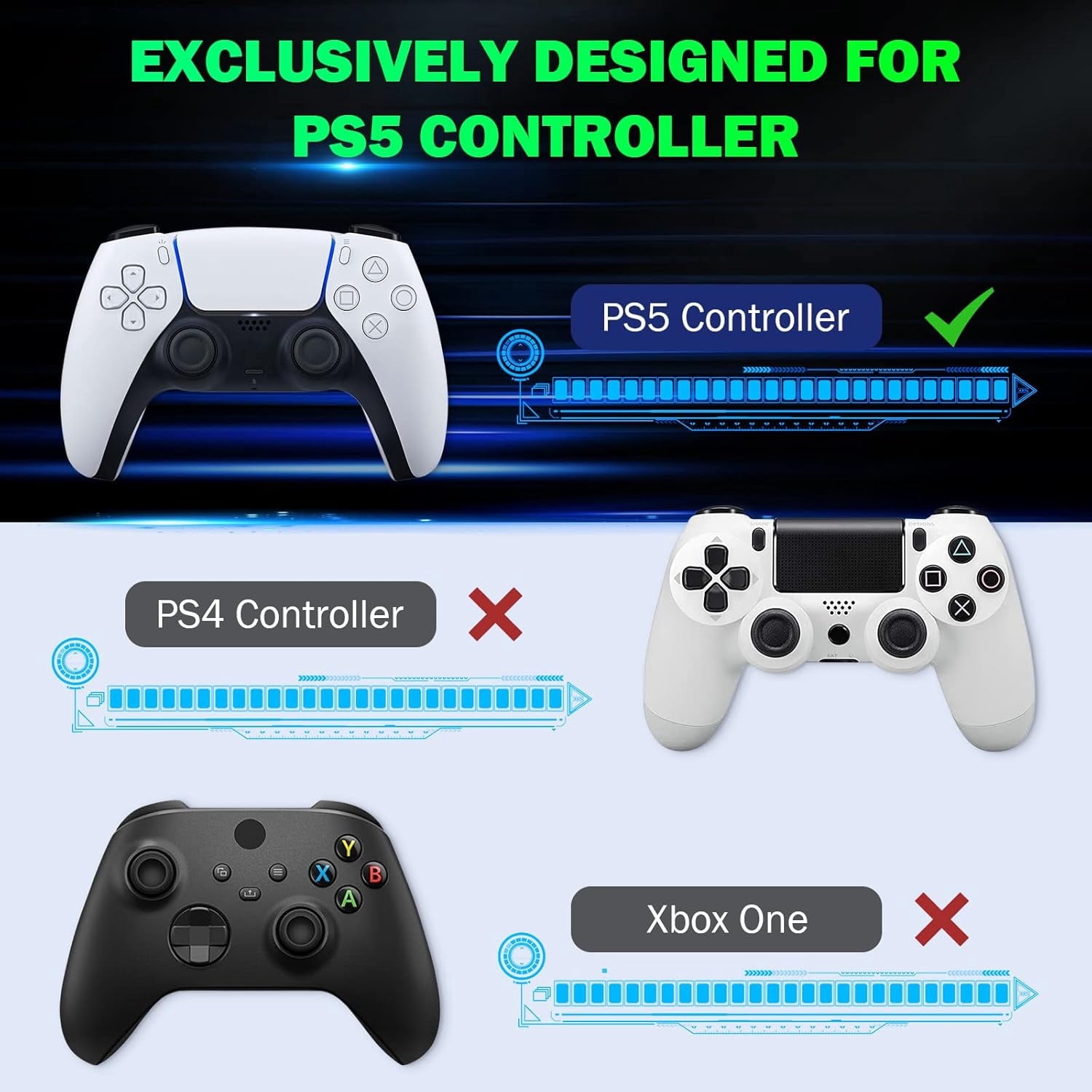
- 1. Controller Compatibility: This wireless Bluetooth-Compatible external keyboard is designed specifically for the for PS5 Elite Controller, making it easy to connect without any additional software.
- 2. Ergonomic Design: The keyboard features an ergonomic design that provides a comfortable gaming experience and does not interfere with the normal use of the back buttons.
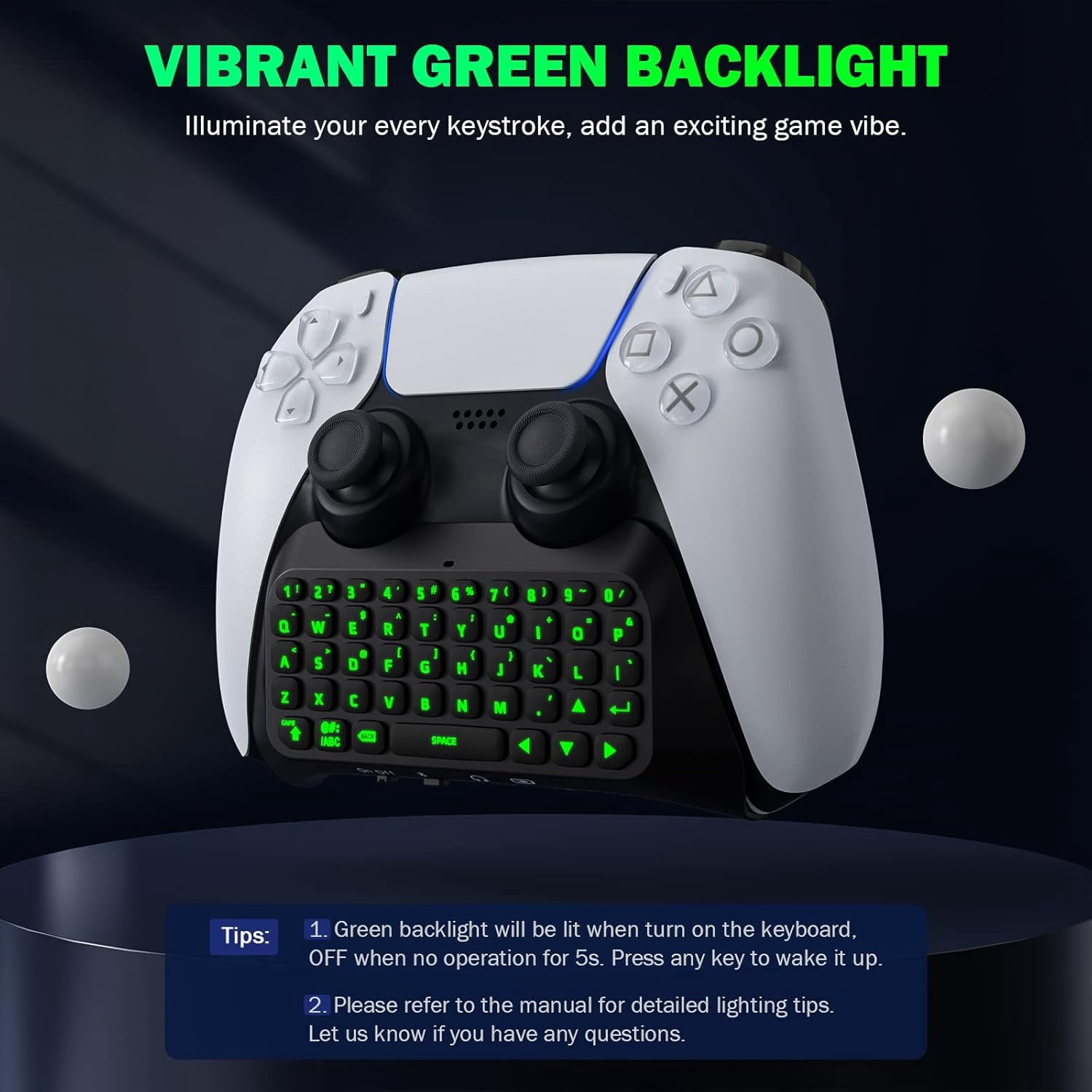
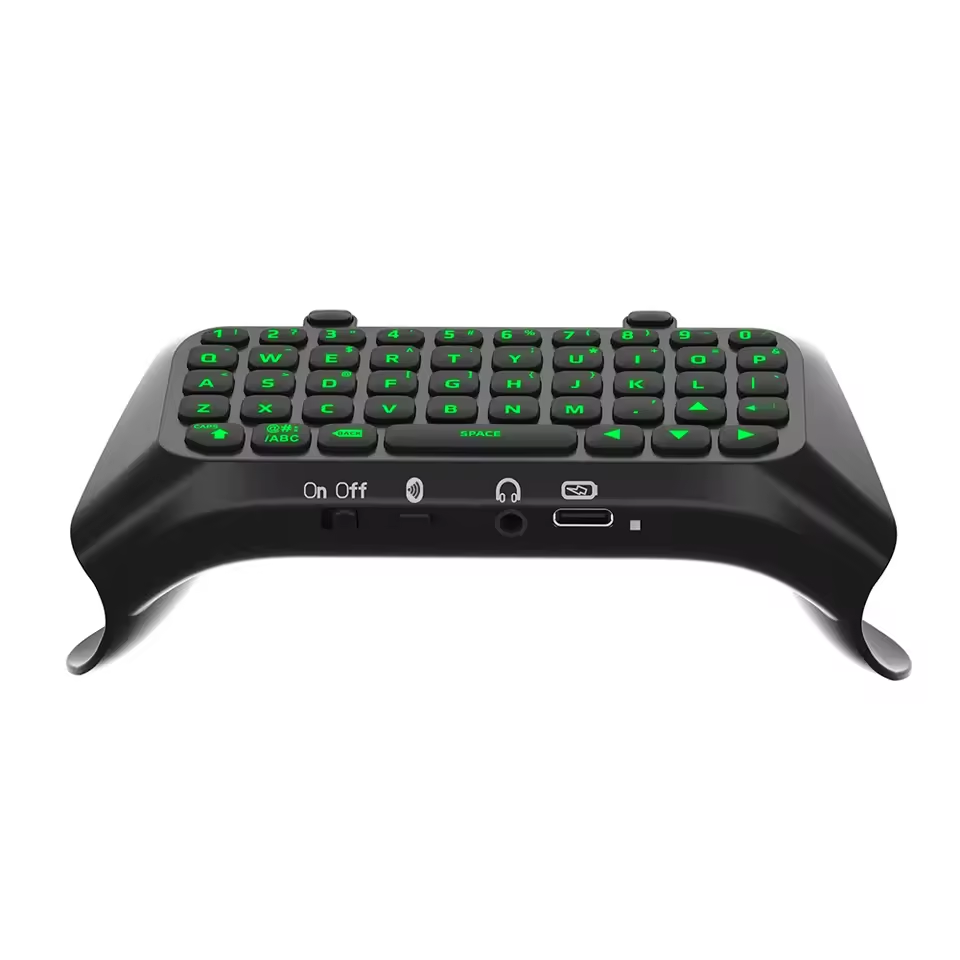
- 3. Green Backlighting: Each key on the keyboard is lit up with green backlighting, creating an unparalleled gaming atmosphere.
- 4. Bluetooth-Compatible Connection: The fully QWERTY keyboard and voice chat board connect wirelessly through Bluetooth-Compatible, allowing you to send and receive messages and chat with other gamers.
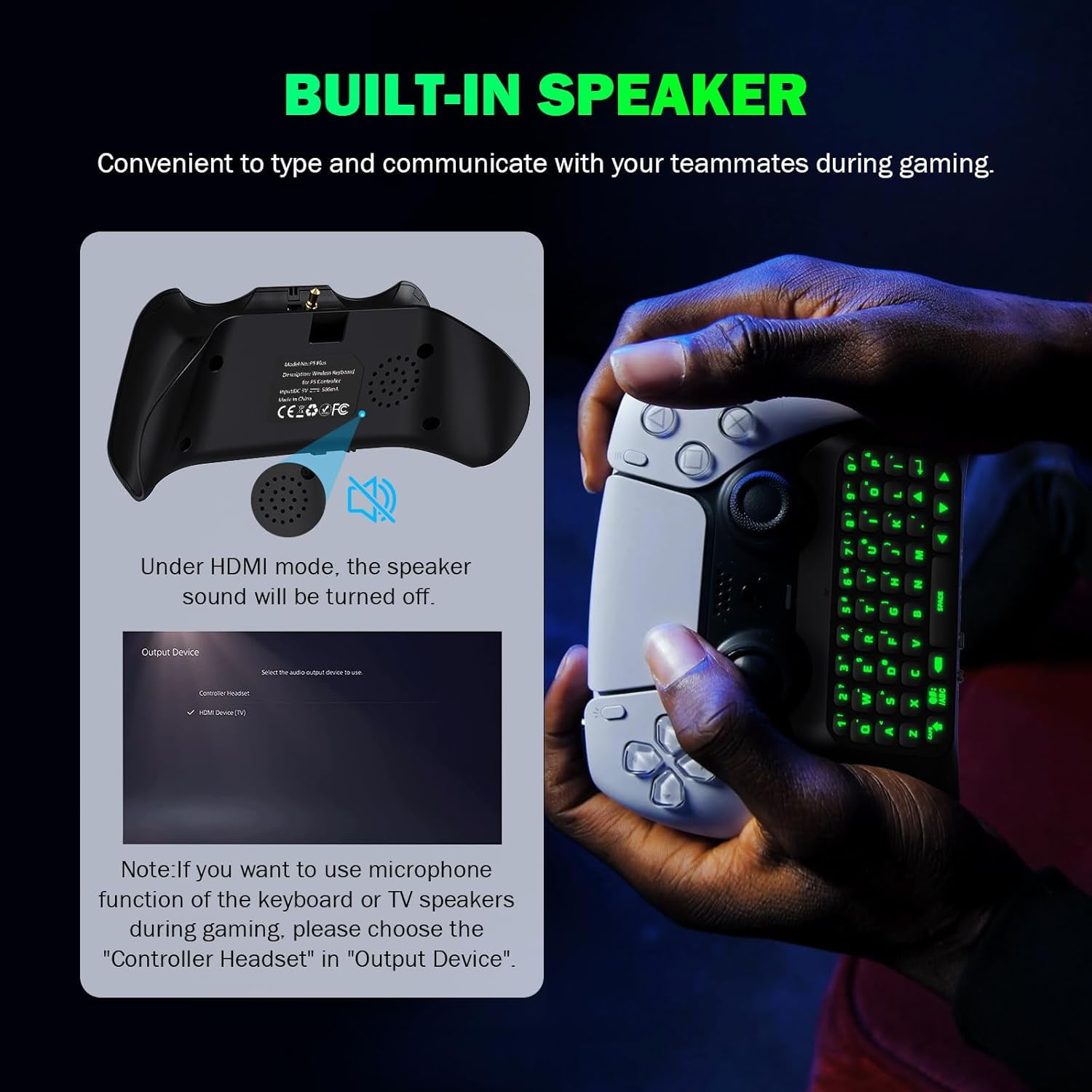
- 5. Built-in Speaker: The keyboard comes equipped with a built-in speaker that allows you to hear all chat audio directly from the keyboard, eliminating the need for headphones. You can also disable this feature in the for PS5 settings menu and use external headphones instead.
| Video game platform | PlayStation 5 |
|---|---|
| Accs type | Keyboard |
| Works with | PS5 Controller |
| Compatibility | PS5 |
| Compatible models | PS5 |
| Brand | Ankedo |
| Wireless | Y |
| Color | Black |
| Weight | 4.23 oz |
| Internal/external | External |
| Has written warranty | No |
Bestseller ranking
Bed Canopies




Customers who viewed this product also viewed
Shop All PlayStation 5 (PS5) Accessories
Correction of product information
If you notice any omissions or errors in the product information on this page, please use the correction request form below.
Correction Request Form