
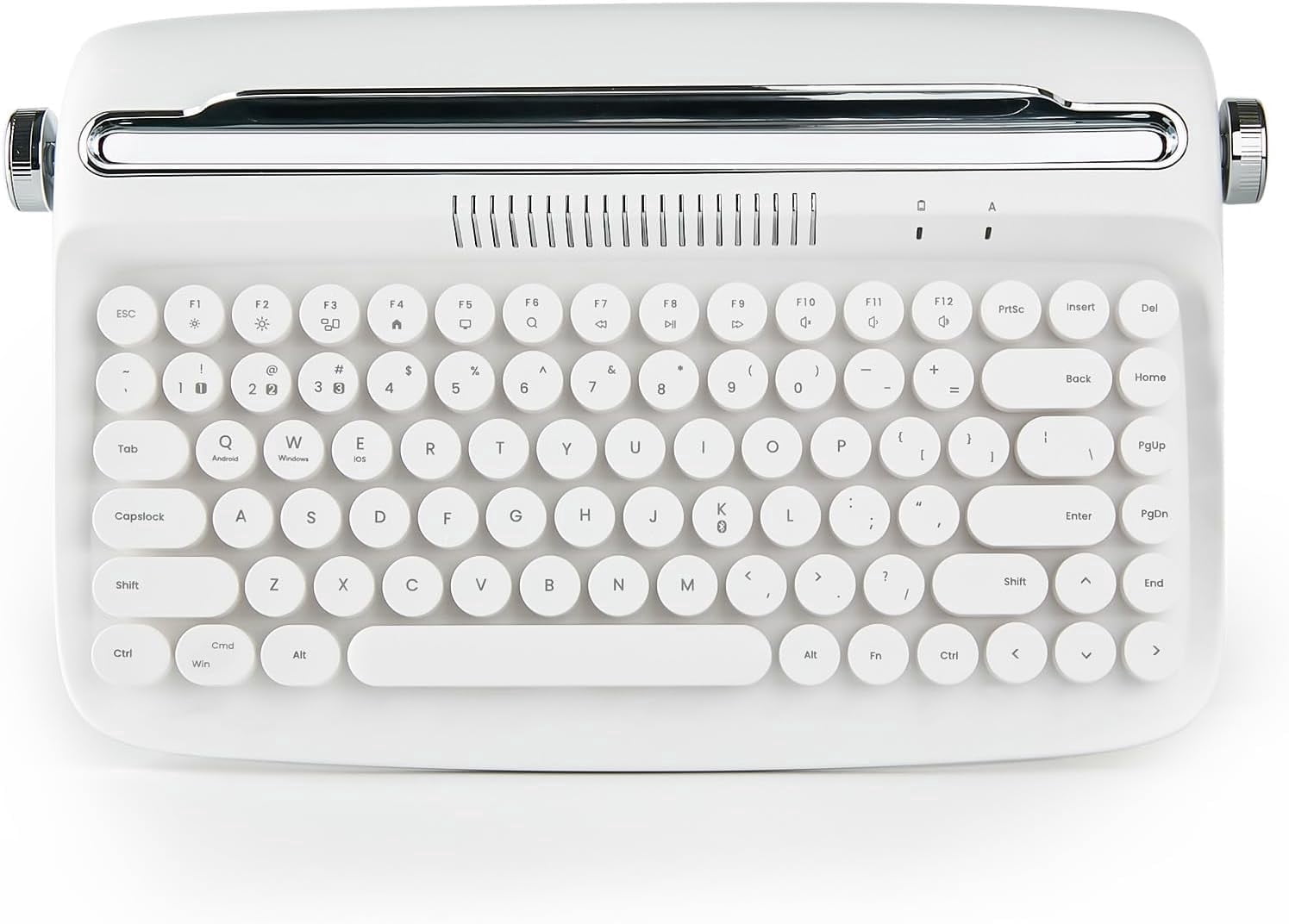
Wireless Typewriter Keyboard, Bluetooth, Retro Design, Stand for Tablet, Phone, PC
Product details
| Management number | 230572830 | Release Date | 2026/06/18 | List Price | $25.60 | Model Number | 230572830 | ||
|---|---|---|---|---|---|---|---|---|---|
| Category | |||||||||
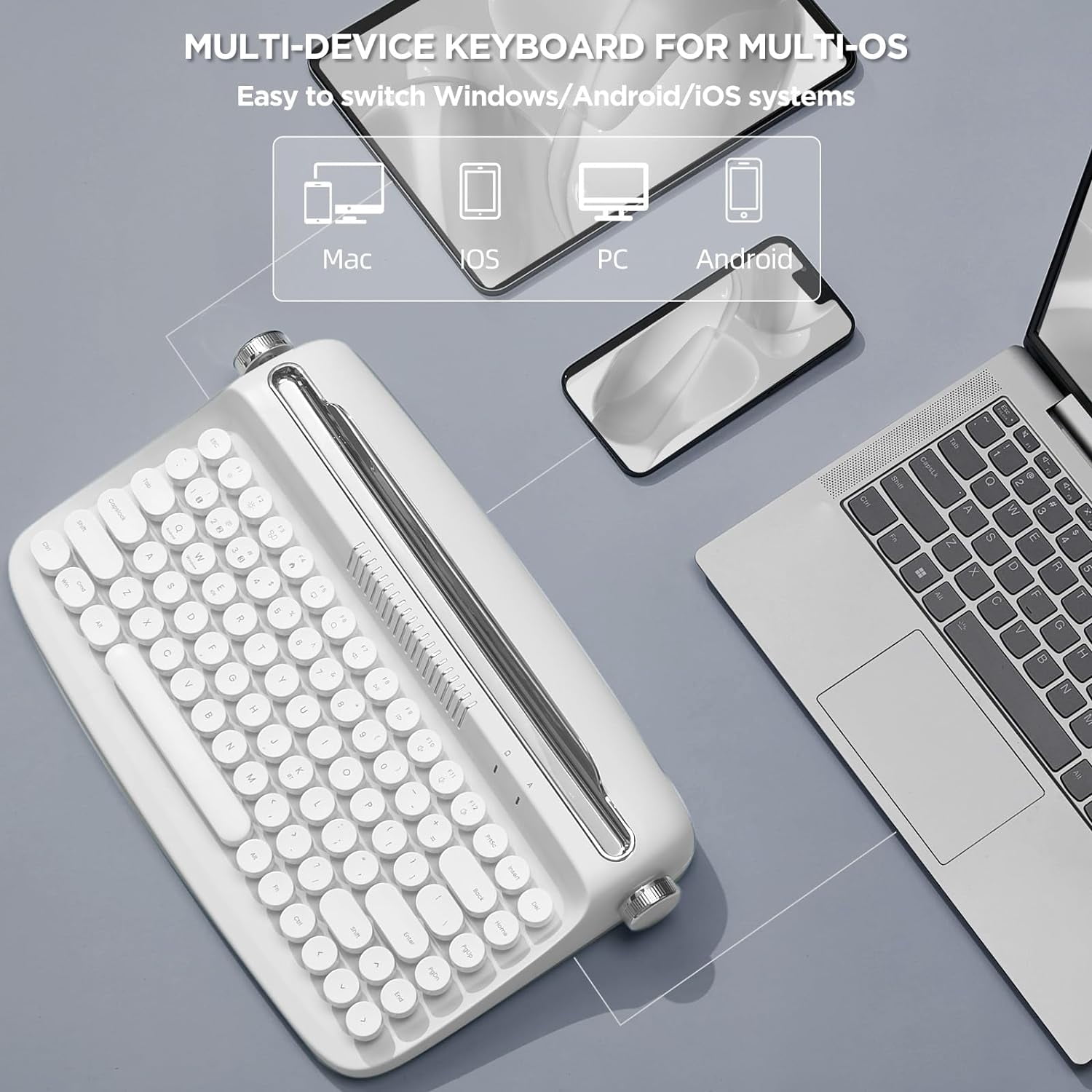
HOW TO CONNECT DEVICES 1. Press Fn + 1 / 2/ 3 and then press Fn + K to enter pairing mode. 2. Turn on the Bluetooth of your device you and click “Actto Keyboard" Entering the PIN numbers and press the Enter key to complete the pairing process. 3. Press Fn+Q/W/E to select system. NOTE: Android : Fn +Q , Windows : Fn + W, iOS (iPad, iPhone) : Fn +E MULTI-DEVICE WIRELESS KEYBOARD FOR MULTI OS: The wireless office retro keyboard connect via Bluetooth on Windows, Android or iOS systems,Support all kinds of devices including Pad/PC/Laptop/Tablet/Smartphone.The package include a retro wireless keyboard, an extra red keycap, 2 AAA batteries, manual
- WIRELESS RETRO CUTE KEYBOARD:The YUNZII B303 wireless keyboard offers a unique blend of vintage charm and modern typewriter functional, with its compact layout, retro keyboard typewriter style, pastel color scheme, and cute round keycaps. Enjoy a more enjoyable typing experience with this eye-catching typewriter
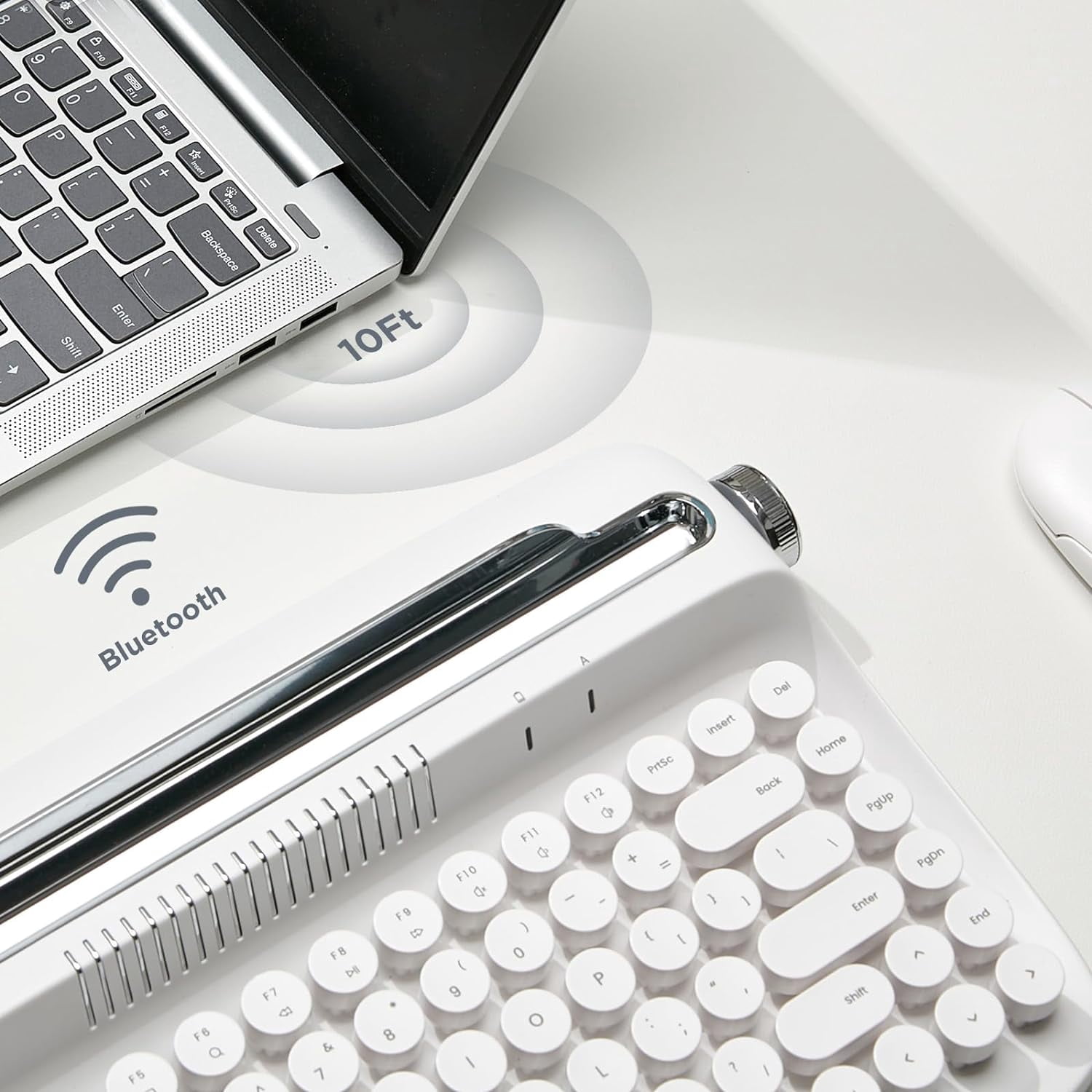
- BLUETOOTH CONNECTIVITY: The B303 typewriter bluetooth keyboard features the latest Bluetooth 5.0 technology, providing a stable and wireless connection with a range of up to 33 feet (10 meters) without any delays. You can easily switch between up to three devices with the touch of a button, FN+1/2/3
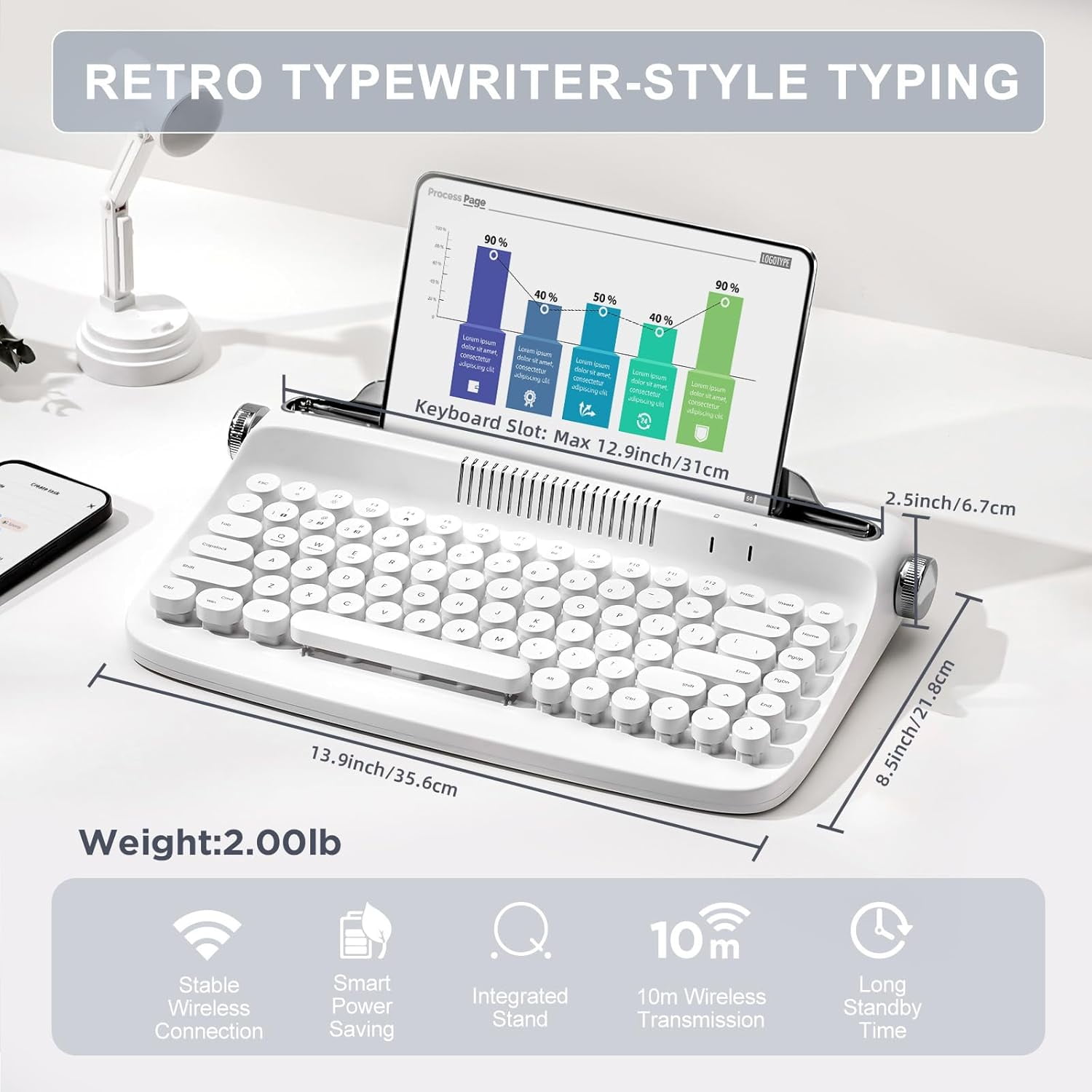
- VINTAGE TYPEWRITER KEYBOARD WITH INTEGRATED STAND: The YUNZII B303 wireless typewriter keyboard includes an integrated stand holder for pad, phone and tablet, which matches the aesthetic of your desk and saves space. The wireless mini compact also includes adjustable feet, allowing you to set the angle for maximum comfort during long typing sessions. The built-in tablet or phone holder is 12.9 inches long and 0.59 inches wide
- COMPACT AND PORTABLE 84-KEY MINI TYPEWRITER KEYBOARD: Despite its compact size, the B303 membrane keyboards features 84 keys and all the functionality typer need for efficient typing. Its compact design measures just 12.7 x 7.8 x 1.8 inches, making it an ideal choice for those who want to save desktop space or take their keyboard on the go. 12 Easy-to-reach function hot keys FN+ provides a shortcut to multi function
| Keyboard tech | Dome |
|---|---|
| Features | Adjustable Tilt |
| Wireless | Y |
| Computer keyboard type | Standard Keyboards |
| Brand | YUNZII |
| Color | White |
| Power type | Battery |
| Connection | Bluetooth |
| Number of keys | 84 |
| Keyboard layout | compact layout |
| Size descriptor | Mini |
| Battery consumption type | Changeable Disposable Battery |
| Battery size | AAA |
| Maximum transmission range | 33 ft |
| Accessories | an extra red keycap; 2 AAA batteries; manual |
| Dimensions | 8.60 x 14.00 x 2.70 in |
| Weight | 2 lb |
| Count per pack | 1 |
| Has written warranty | No |
Bestseller ranking
Computers


Customers who viewed this product also viewed
Monkey Hooks
Correction of product information
If you notice any omissions or errors in the product information on this page, please use the correction request form below.
Correction Request Form